
SimWise FEA Inside Alibre
Finite element analysis inside Alibre Design
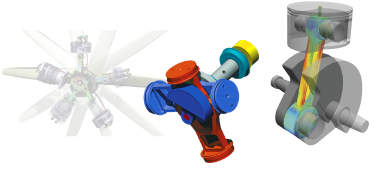
SimWise FEA Inside Alibre Beta
Find out whether a part or assembly is strong enough, stiff enough and cool enough, without leaving Alibre Design.
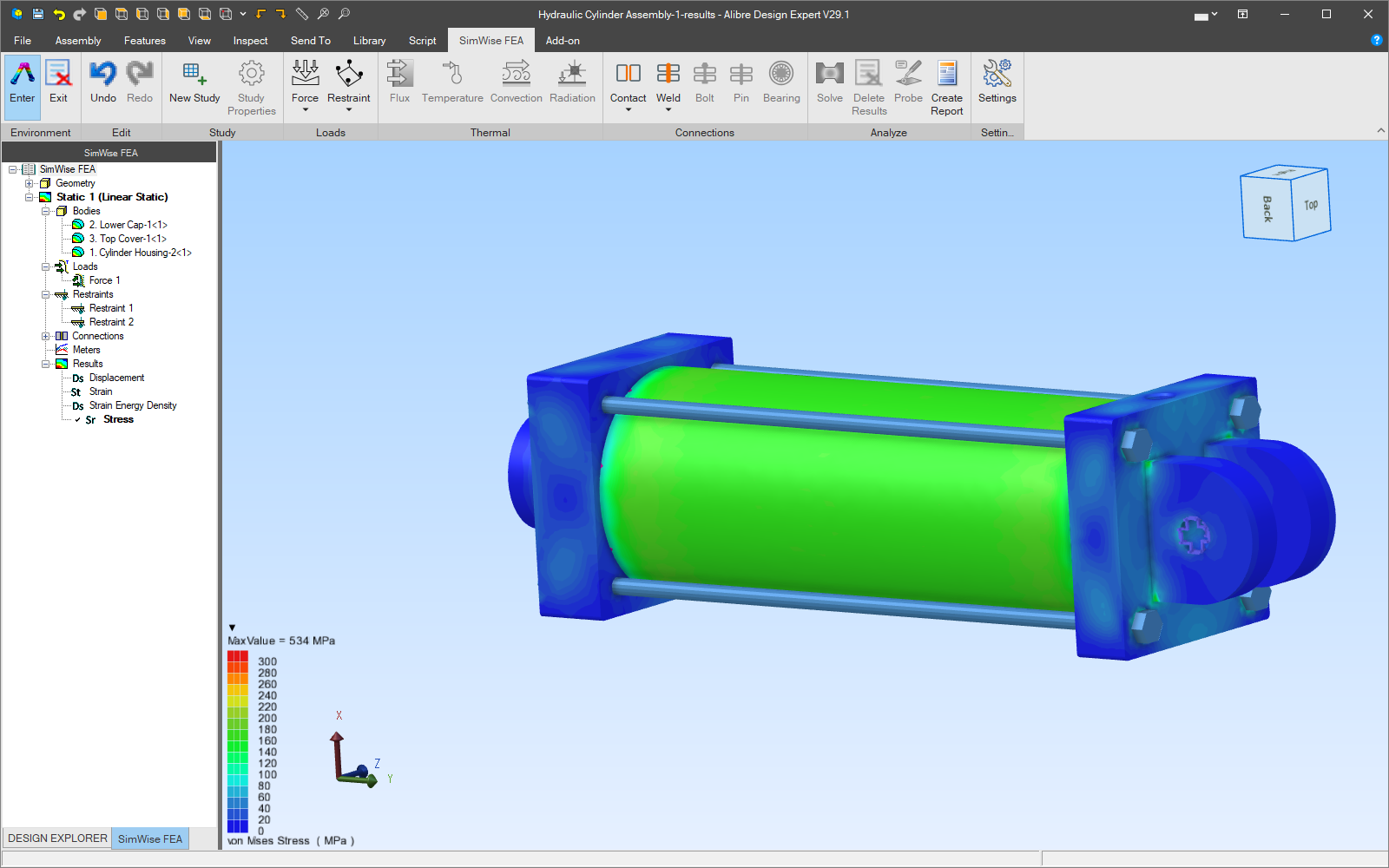
SimWise FEA Inside Alibre is SimWise’s finite element analysis, with the same mesher and solver as SimWise 4D, built into Alibre Design as an environment of its own. Apply loads and restraints to the faces, edges and bodies of your model, solve, and see the stresses, displacements, temperatures and mode shapes on the model itself.
Analysis types
| Analysis | What it tells you |
|---|---|
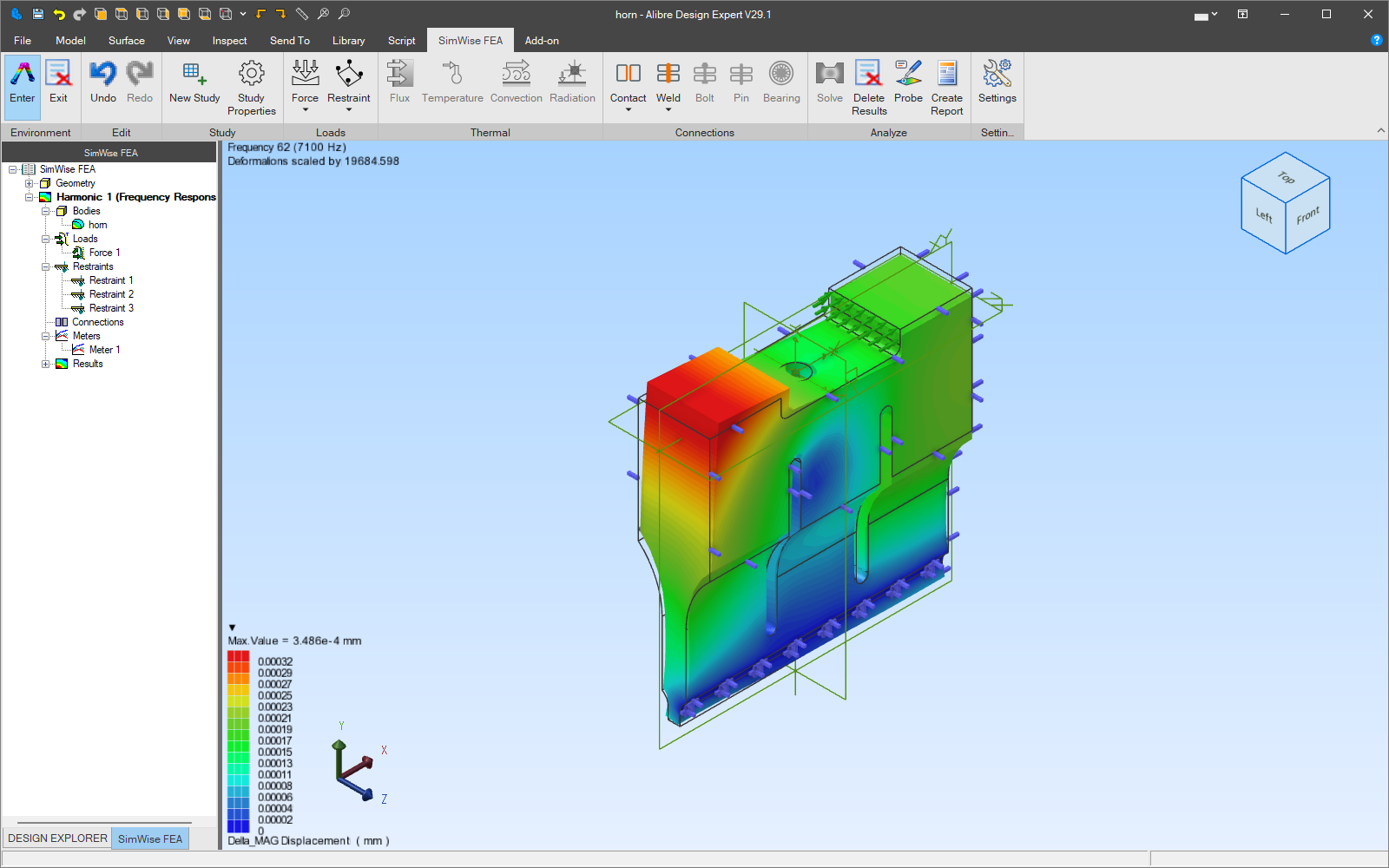
| Linear static | Stress, strain, displacement and factor of safety under steady loads. Unrestrained models can be solved with inertia relief. |
| Modal | Natural frequencies and mode shapes, optionally prestressed by the static loads. |
| Linear buckling | The load factor at which a slender part or structure buckles, and the buckled shape. |
| Steady-state thermal | Temperatures and heat flux once the design has reached equilibrium. |
| Transient thermal | How temperatures change over time, with heat generation that can follow a time curve. |
| Thermal stress | The stresses caused by temperature changes, from a thermal analysis feeding a structural one. |
| Forced harmonic | The response to loads that vary sinusoidally, over a range of frequencies. |
Built into Alibre Design
SimWise FEA adds a SimWise FEA tab to the Alibre ribbon. Enter the environment and the ribbon groups take you through a study: Study, Mesh, Loads, Thermal, Connections and Analyze. Studies appear in a SimWise FEA tab of the Design Explorer, beside your design tree.
- Works on parts, sheet metal, weldments and assemblies.
- A part study includes every solid body; in an assembly, add the parts you want to analyse with Add to Study, or drag them in.
- Studies, loads, meshes and results are saved inside the Alibre file.
- Uses the Alibre document’s units, or any of SimWise’s unit sets.
Keeps up with design changes
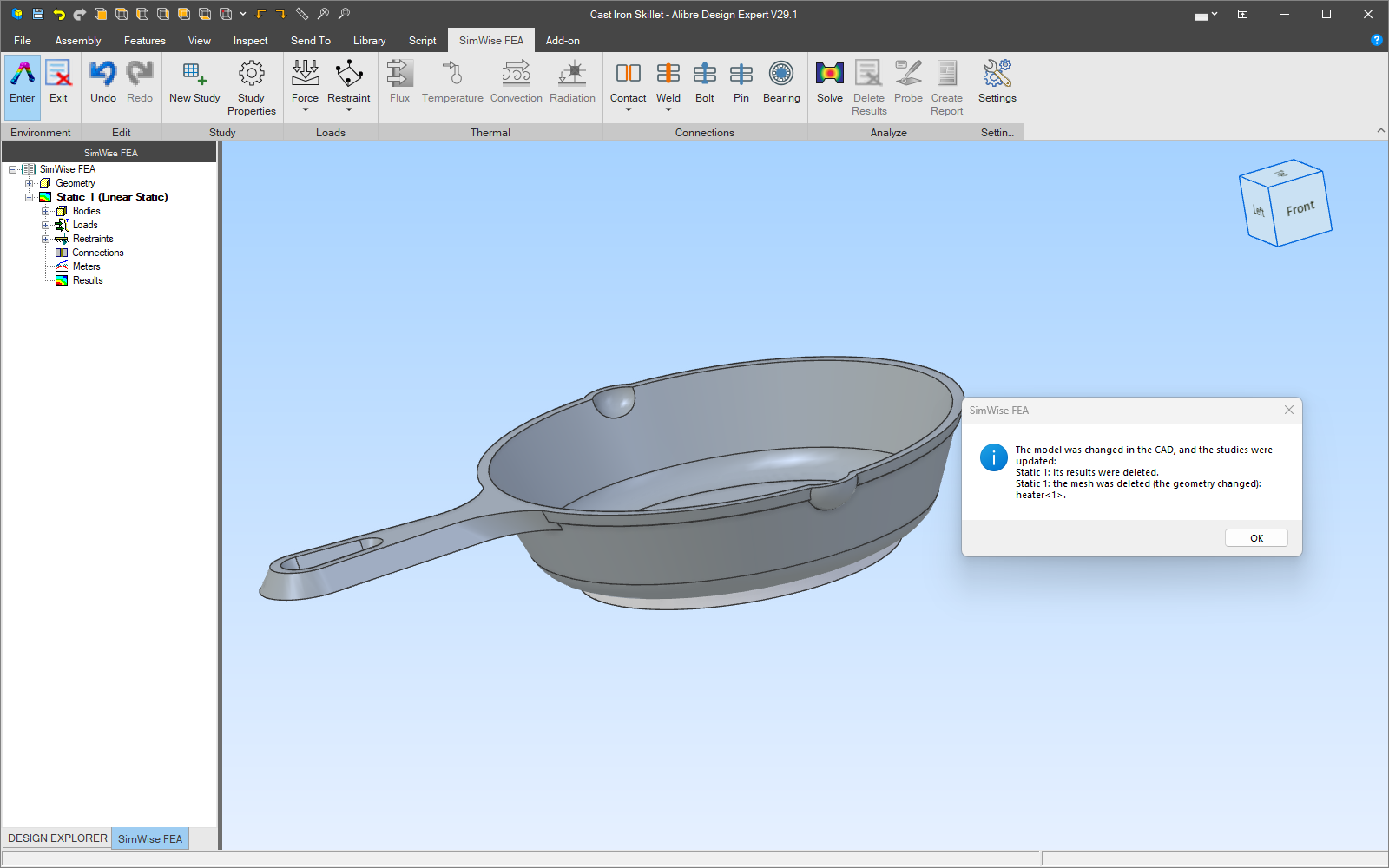
Change the design and SimWise notices. When you next enter the environment it finds bodies that have changed, been deleted or been suppressed. After a design change, SimWise tells you and removes the mesh and results that no longer match, so the results you see always belong to the current design. A suppressed part is left out of the analysis, with a warning, and comes back when you unsuppress it.
Automatic, quadratic meshing
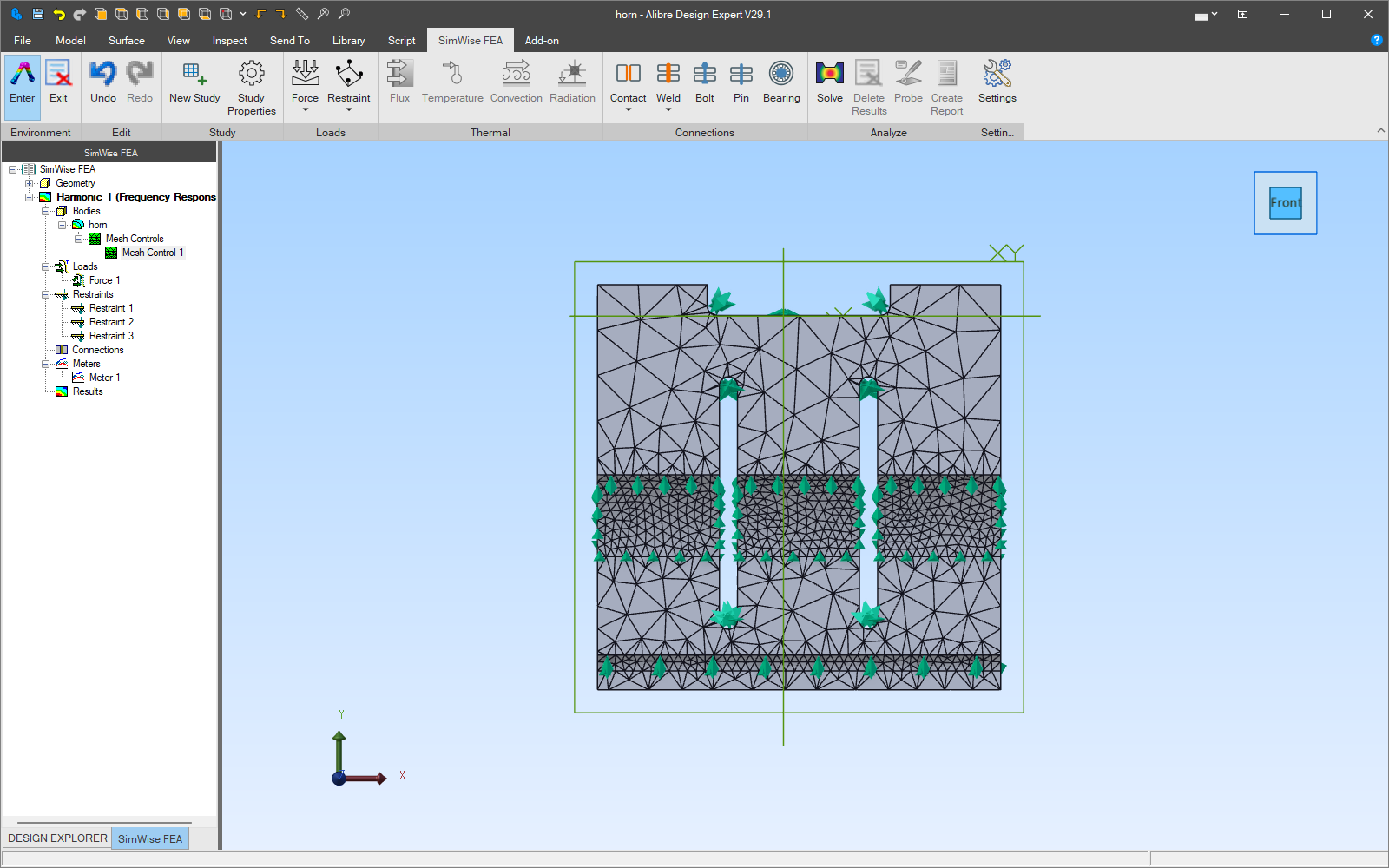
SimWise meshes the model for you with 10-node (quadratic) tetrahedral elements, which follow curved geometry closely and give accurate stresses. One mesh factor sets the overall size; local mesh controls refine chosen faces and edges and appear in the study tree under the body they belong to.
Adaptivity means confidence. SimWise calculates the error in the stress results. With h-adaptive refinement it uses those errors to refine the mesh where they are largest and solves again, repeating until a target error is reached. You get converged results without having to be a meshing expert.
Loads and restraints
Loads and restraints are applied to the geometry, not to nodes and elements, so they survive design changes and remeshing.
Structural loads
- Forces: concentrated, per length, or a total force spread over a face
- Pressure and hydrostatic pressure
- Bearing loads
- Offset (remote) forces
- Torques and moments
- Prescribed displacements
Body loads
- Gravity, set per study
- Linear acceleration
- Centrifugal loads from spinning parts
Restraints
- Fixed, or fixed in chosen directions
- Pin
- Symmetry
- Frictionless
- Elastic support
Thermal loads
- Prescribed temperature
- Heat flux
- Convection
- Radiation
- Heat generation, constant or following a time curve
Materials
- Use the Alibre part’s material, or choose one from SimWise’s material library (shared with SimWise 4D).
- Isotropic, orthotropic and anisotropic materials, temperature-dependent properties and plasticity.
- The material page shows which properties the analysis still needs, so a study never runs with something missing.
Assemblies: contact, welds, bolts and bearings
Real assemblies are held together by more than bonded faces. SimWise FEA models the connections between parts the way they are built.
- Contact between parts, bonded or otherwise, found automatically with Detect Contact. Bonded contact carries heat in thermal studies.
- Welds: spot, fillet and groove welds, found with Detect Welds, with SimWise’s list of weld filler metals.
- Bolts, with a nut or threaded into a part, from SimWise’s bolt library, with preload.
- Pins and bearings, including the bearing’s load zone.
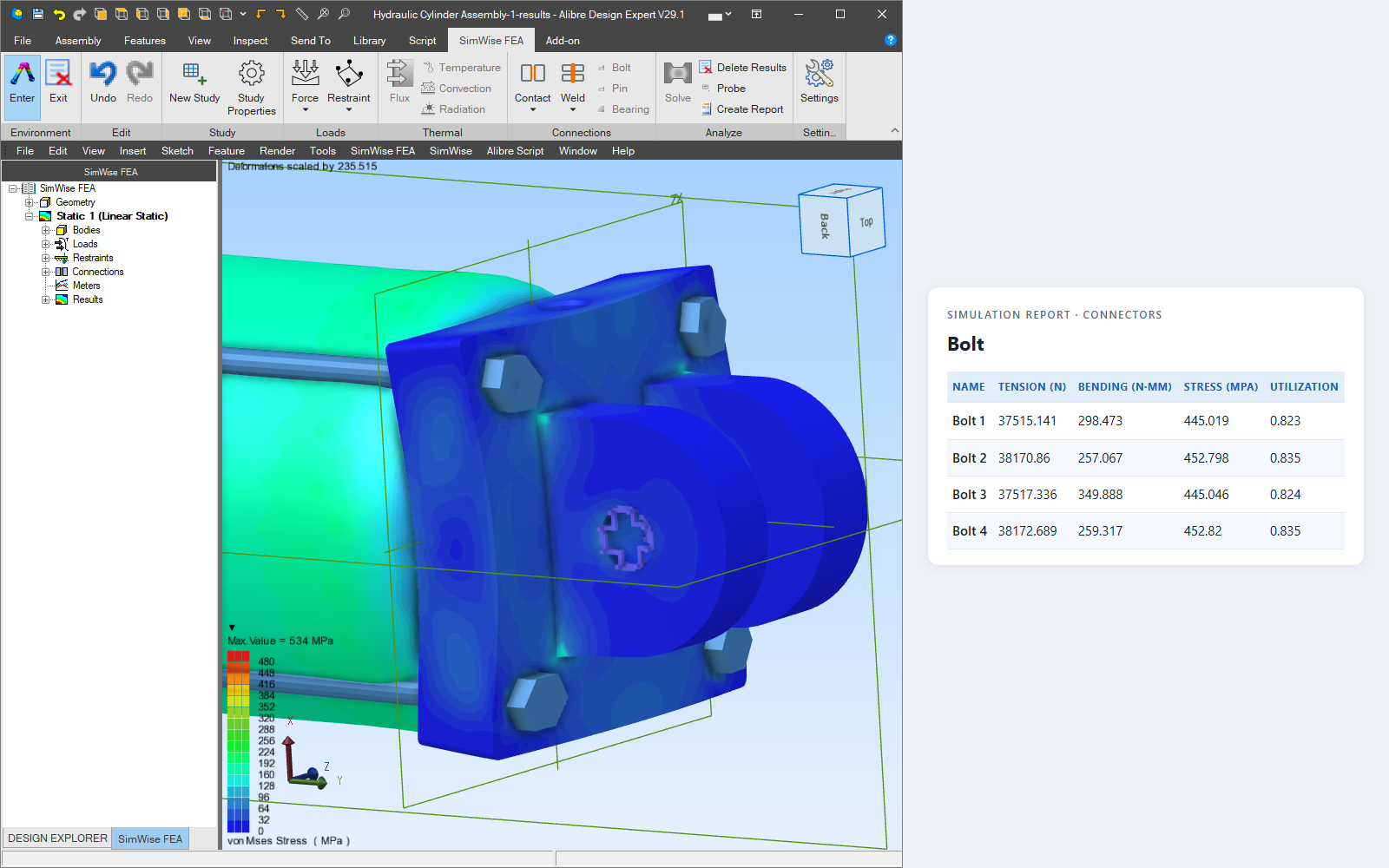
Results tables report what each connector carries: bolt tension, shear and utilization, and contact forces and pressures.
Results you can read
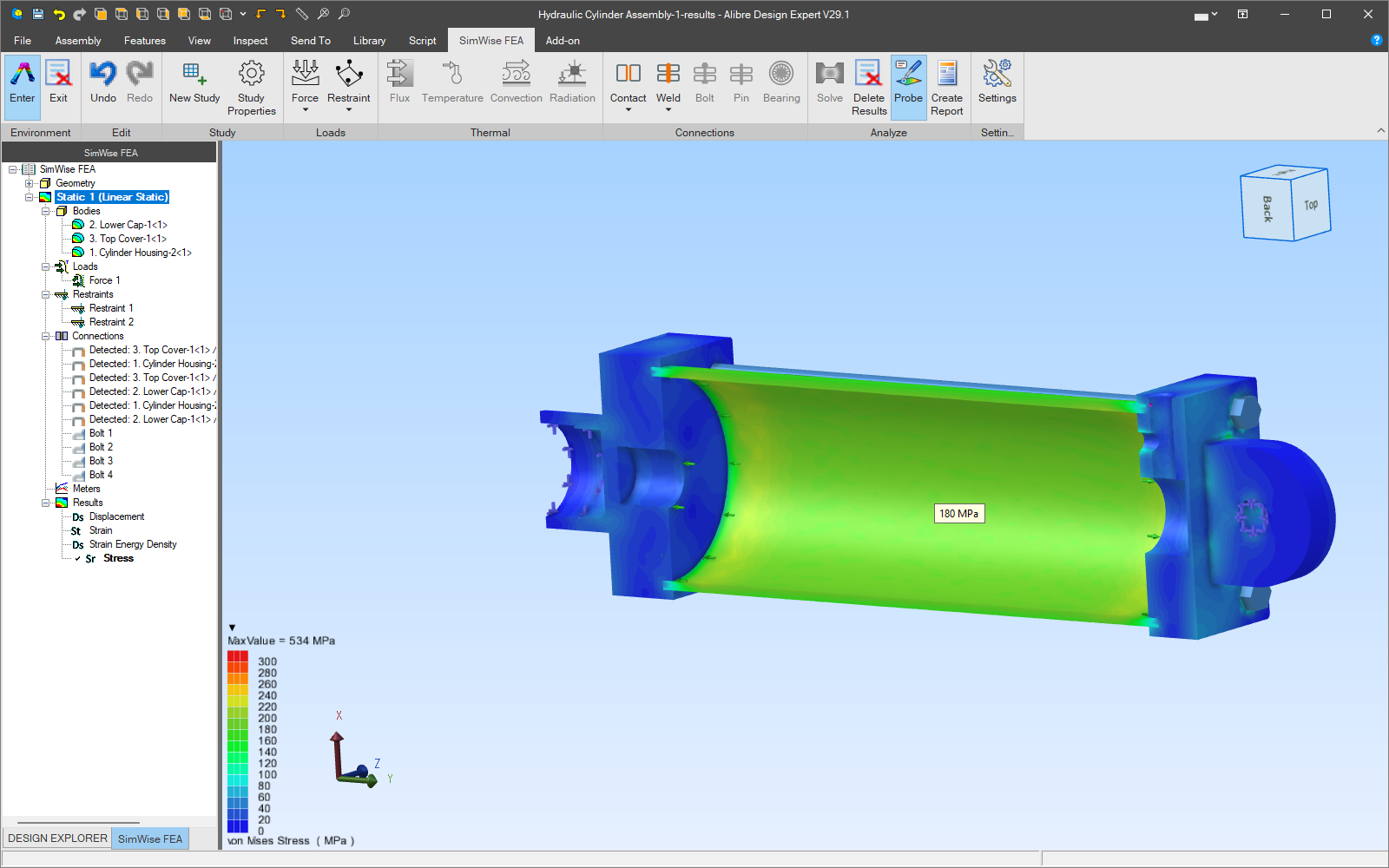
- Contour plots of stress, strain, displacement, temperature, heat flux and mode shapes, with SimWise’s legends and colour maps.
- Deformed shapes and factor of safety.
- Probe: hover over the model to read the value at any point.
- The location of the critical value, found for you.
- Iso-surfaces and section (clipping) planes to look inside a part.
- Mode lists with animated mode shapes.
- XY plots over time and frequency, and meters that show any result quantity as a graph or a number.
Animations, reports and data
- Animate the results and export the view as an MP4 or AVI video.
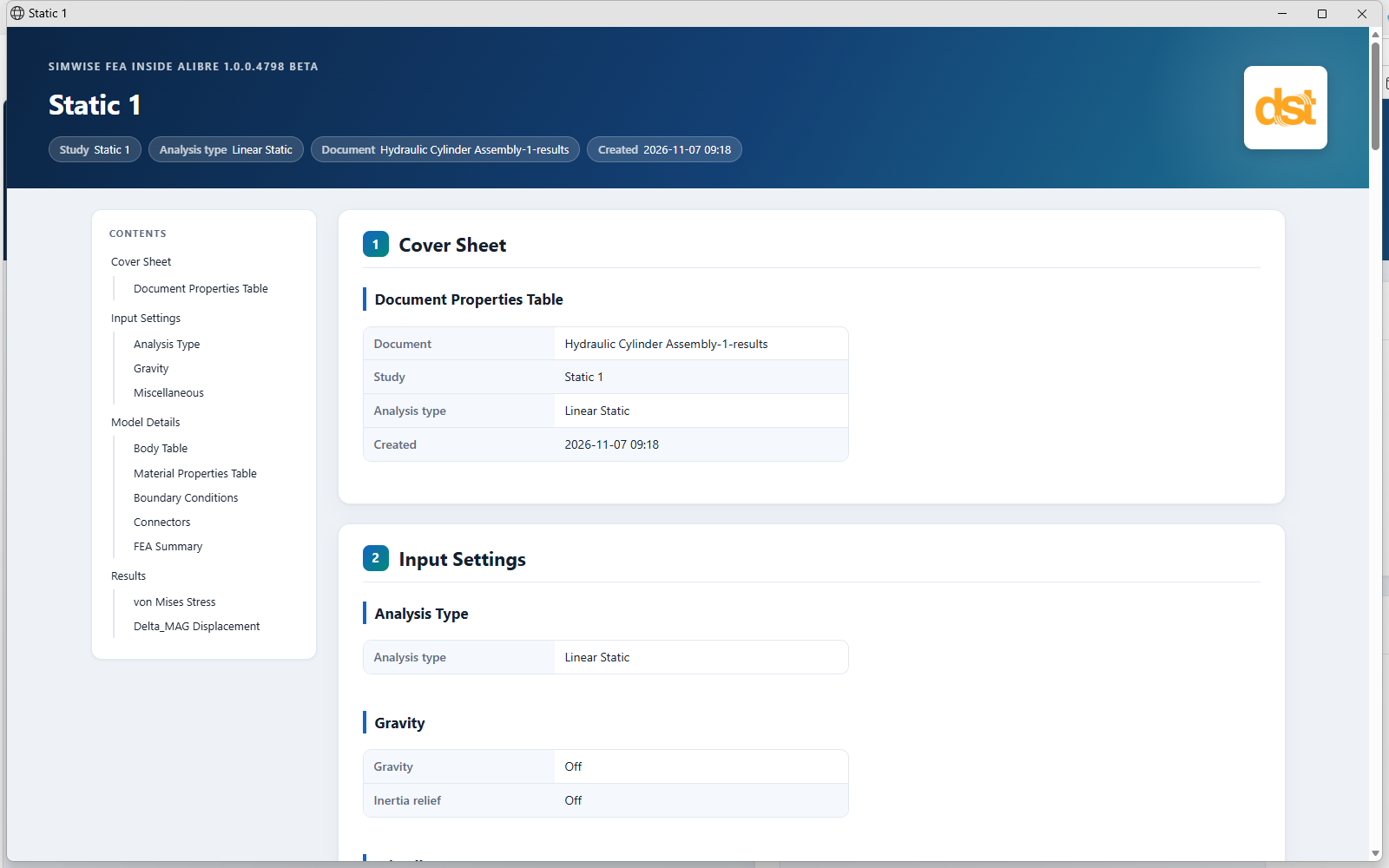
- Create a study report: one HTML page with pictures of the model, the bodies, materials, loads and connectors, a summary and the results tables. Ready to attach to a design review.
- Export results as text or HTML, and meter data as .txt or .csv for a spreadsheet.
- Write the model as a NASTRAN Bulk Data or ABAQUS input deck, for a colleague with another solver.
Solver technology
SimWise FEA Inside Alibre uses the SimWise FEA solver: a fast iterative solver that takes advantage of multi-core processors, optimised for quadratic tetrahedral elements. Contact is solved with an augmented Lagrangian method, with optional plasticity, and SimWise reports factors of safety and the error in the stress results along with the engineering values.
Automation
Everything in a study can be driven from a program: a COM automation API, and a Python package, simwise_inside (Python 3.11 to 3.13), that creates studies, meshes, solves, reads results and exports them. Run the same check on every revision of a design, or build your own design tools on top of SimWise.
Analyse your Alibre designs with SimWise FEA
Buy online, request a quote, or contact us with your questions.
SimWise is a trademark of Design Simulation Technologies, Inc. Alibre and Alibre Design are trademarks of Alibre, LLC. Other names are trademarks of their respective owners.
- Overview
- Alibre Design
- FEA Inside Alibre
- Motion Inside Alibre
- 4D Inside Alibre
- System Requirements
- Request a Quote
- SimWise (standalone)
 Quote


