
SimWise Inside
The Power of SimWise inside your CAD system
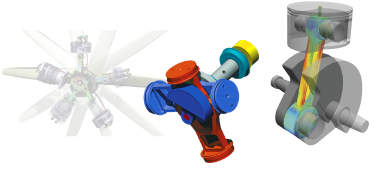
The power of SimWise, inside your CAD system
SimWise Inside puts SimWise’s motion simulation and finite element analysis inside the CAD system you already use. No export, no second program, no copy of the model to keep up to date.
Open your part or assembly, switch to the SimWise environment on the ribbon, and analyse the design where it lives. Your simulation studies are saved in the CAD file with the geometry, and the bodies, units and materials come straight from the CAD model.
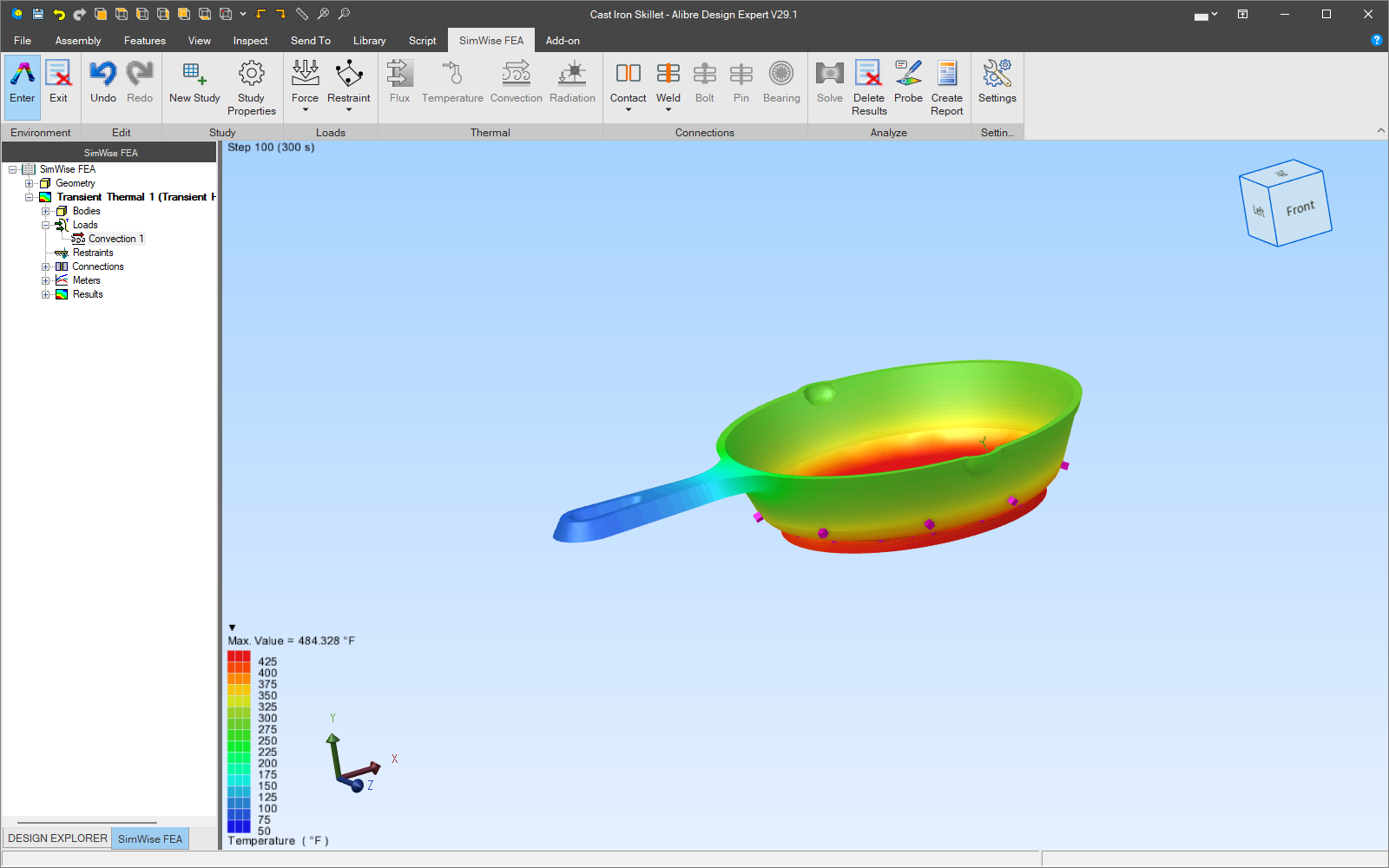
Why simulate inside CAD?
One model
Simulate the CAD model itself, not a translated copy. There are no neutral files to export and nothing to re-import when the design changes.
Your units, your materials
SimWise uses the CAD document’s units and each part’s material and mass properties, so the analysis starts from what the designer already defined.
Saved with the design
Studies, loads, joints and results are stored inside the CAD file. Send someone the file and the simulation goes with it.
Proven SimWise technology
The same solvers, mesher, material library and formula language as SimWise 4D, the standalone SimWise product.
Answers designers can use
Contour plots, meters, animations and one-page reports show whether a design works and whether it is strong enough, in terms the whole team understands.
Automate it
A COM automation API and a Python package (simwise_inside) drive studies, solving, results and export from scripts.
The modules
SimWise Inside comes in three modules. Each is a separate product, licensed on its own.
SimWise FEA Inside Alibre
Stress, vibration, buckling, heat transfer and frequency response of parts and assemblies, without leaving Alibre Design.
Learn more ›SimWise Motion Inside Alibre
Kinematic and dynamic motion of assemblies: Alibre mates become joints; add motors, springs, forces and 3D contact, then measure what happens.
Learn more ›SimWise 4D Inside Alibre
Motion, FEA and Durability together: the loads from the motion drive the stress analysis and the fatigue life, so you know whether it works, whether it breaks, and how long it lasts.
Learn more ›Buy online
SimWise Inside is sold in our online store, with node-locked and network licenses, perpetual or by subscription. Need a quote or a purchase order instead? Request a quote.
SimWise Motion Inside Alibre
CAD systems

Alibre Design
SimWise Inside works in Alibre Design 29.1 and later version 29 releases, on 64-bit Windows. It adds a SimWise ribbon tab and a SimWise environment that you enter and exit like Alibre’s own. See the system requirements.
Prefer to simulate outside Alibre? SimWise for Alibre is a standalone version of SimWise that transfers parts, assemblies and mates from Alibre Design and does not use an Alibre license while you simulate. See Solutions for Alibre to compare them.
Using a different CAD system? SimWise 4D, the standalone product, reads parts and assemblies from most CAD systems and has plug-ins for many of them.
See SimWise Inside on your own designs
Buy online, request a quote, or contact us with your questions.
SimWise is a trademark of Design Simulation Technologies, Inc. Alibre and Alibre Design are trademarks of Alibre, LLC. Other names are trademarks of their respective owners.
- Overview
- Alibre Design
- FEA Inside Alibre
- Motion Inside Alibre
- 4D Inside Alibre
- System Requirements
- Request a Quote
- SimWise (standalone)
 Quote


