
Working Model 2D Web
Engineering motion simulation in your browser. Nothing to install.
Features
The same physics engine and model code as desktop Working Model 2D, with virtually every modeling feature, in the browser.
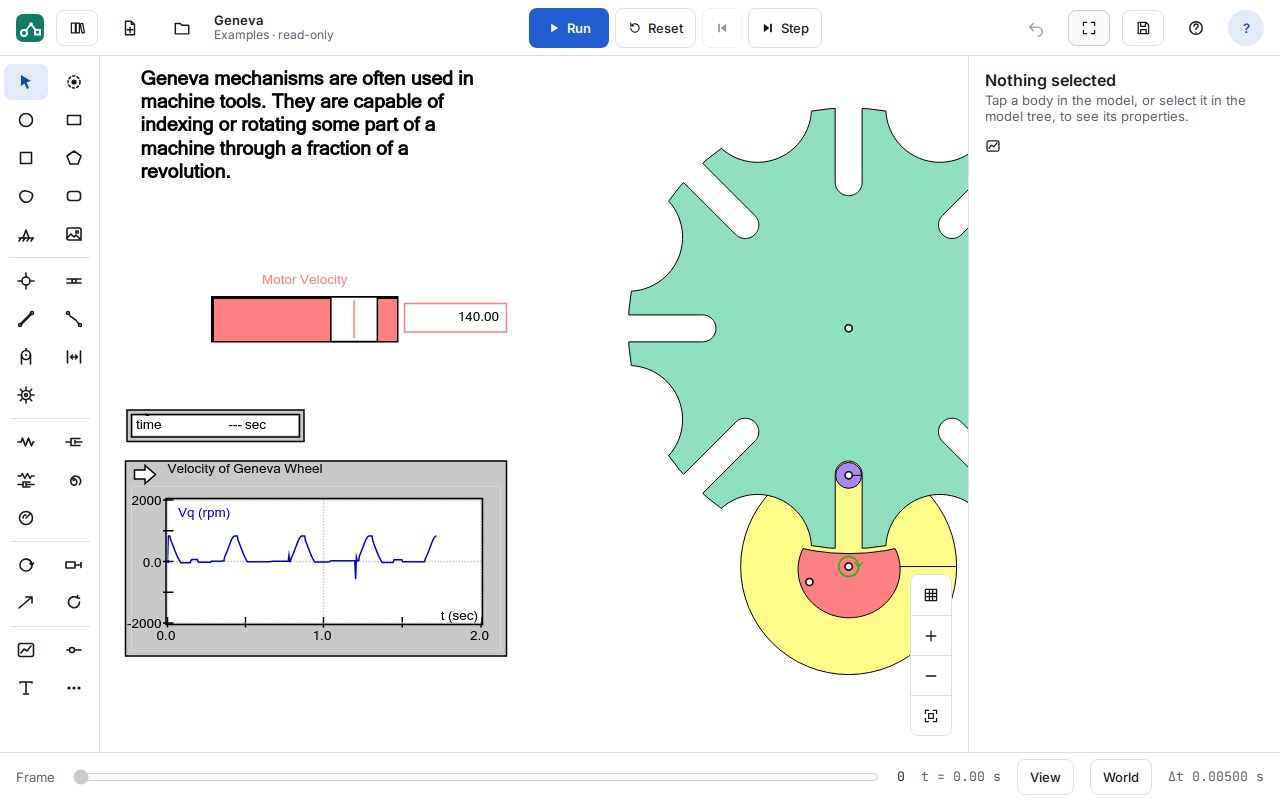
Build a mechanism, press Run
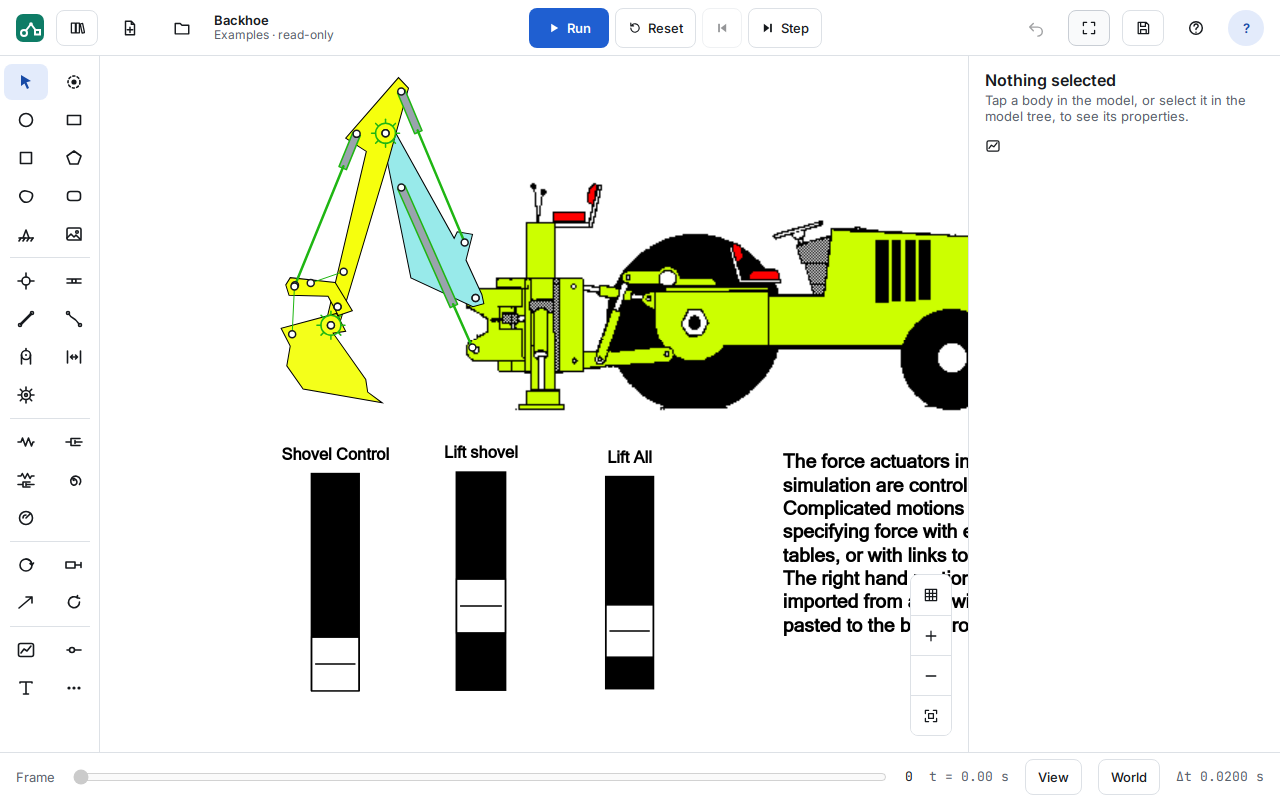
Every tool sits on one palette. Draw bodies — circles, rectangles, squares, polygons, curved polygons and rounded rectangles — and add points, anchors and pictures. Then connect them and run.
- Pins, slots of every kind, rods, ropes, pulleys, separators and gears
- Linear and rotational springs and dampers, and spring-dampers
- Motors, actuators, forces and torques
Measure and graph as it runs
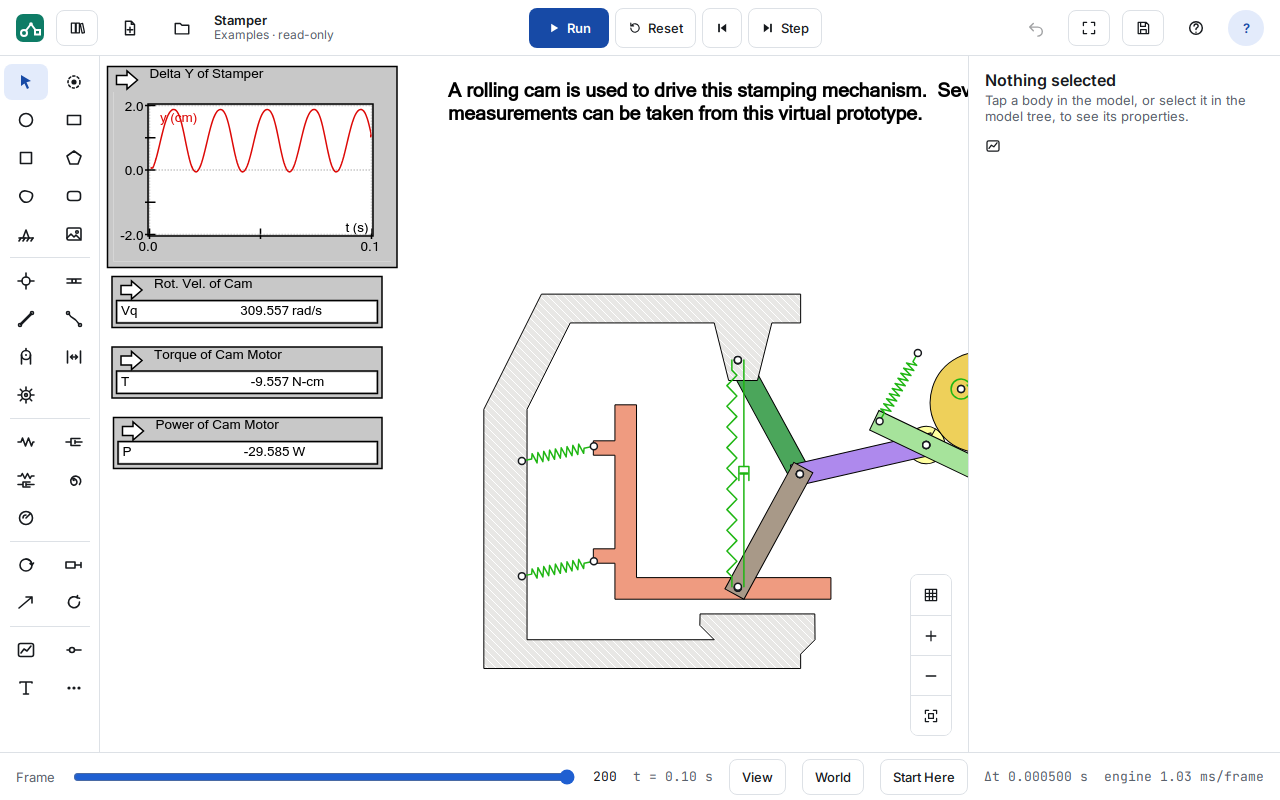
Meters show position, velocity, acceleration, forces and torques as live graphs and digital readouts, in the unit system you choose. Export the data as CSV for a spreadsheet or lab report. Reference frames, tracking and vectors show the motion itself.
Start from a drawing
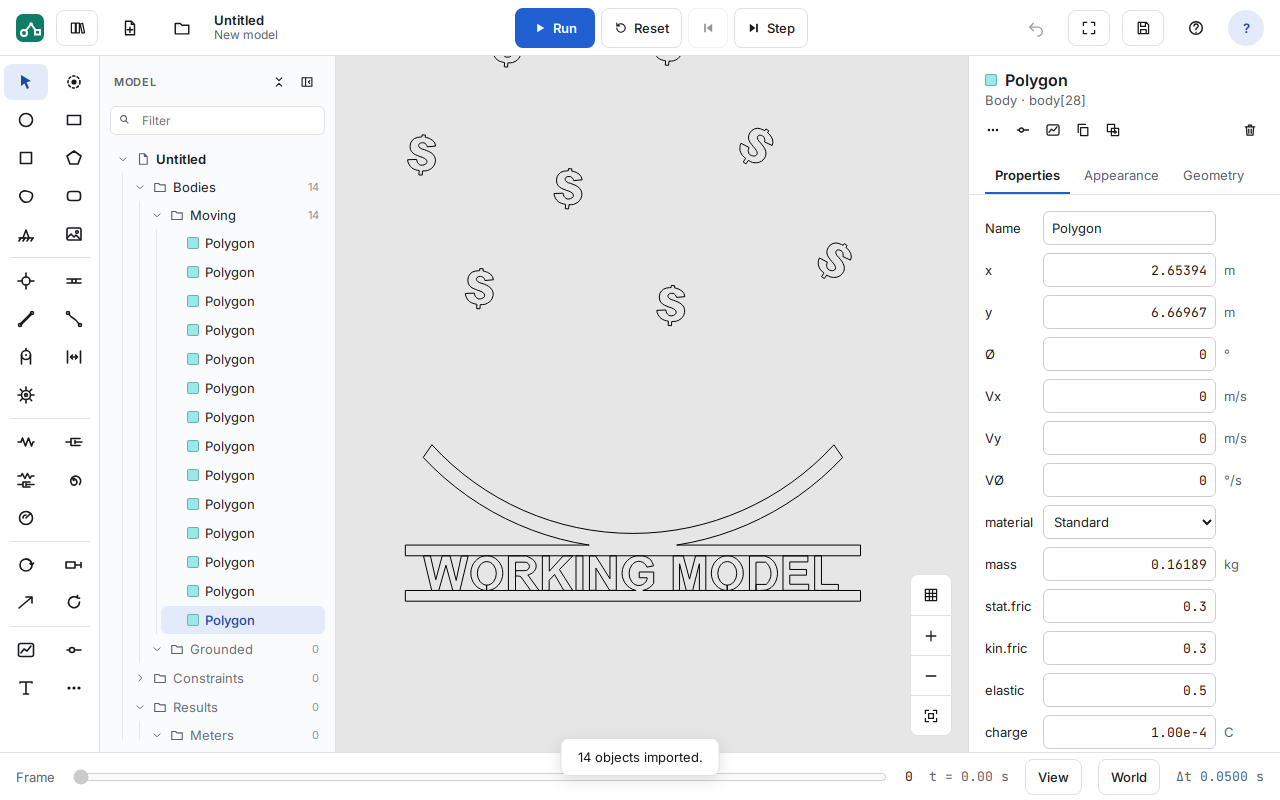
Import a DXF drawing: closed outlines become polygons and open ones become lines. Convert them to lines, polygons or curved slots, and add links between points. Export a model as DXF to take it back to CAD.
Explore the design
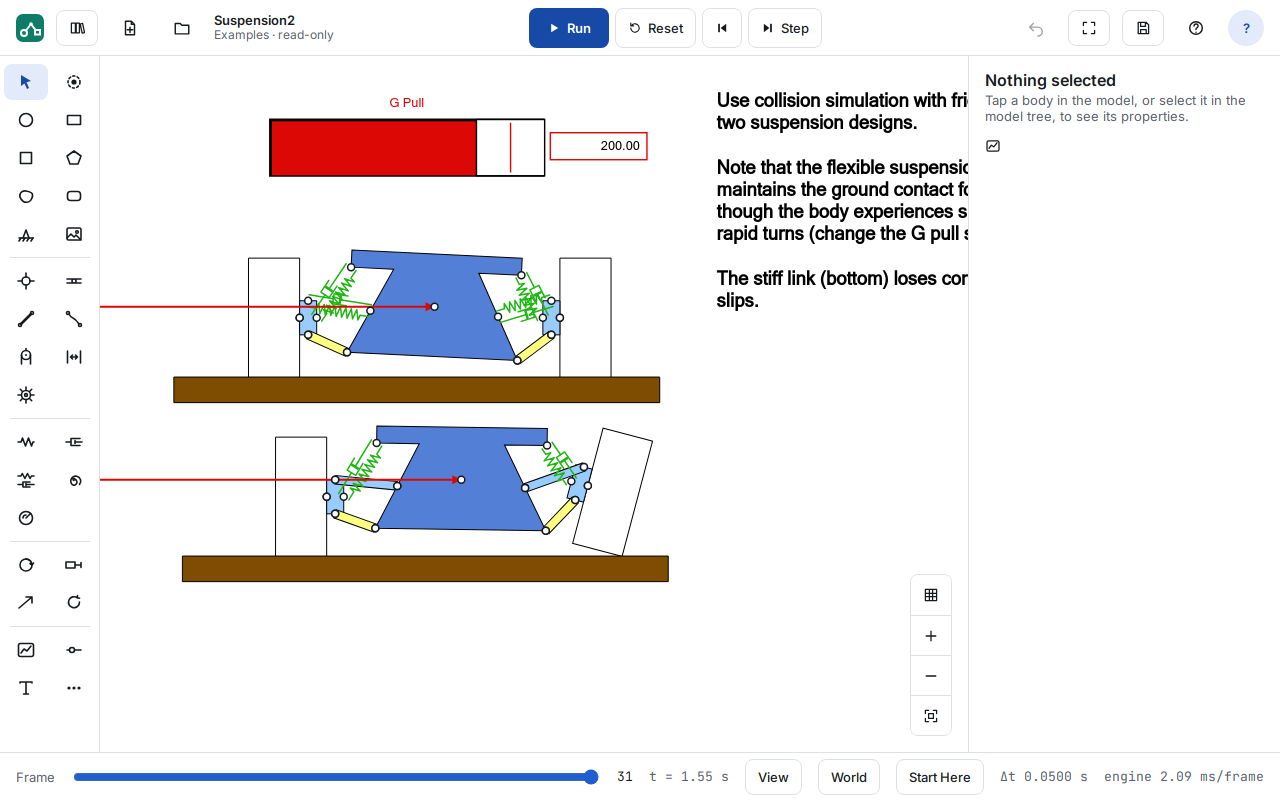
Type a formula into any property, or add sliders and buttons, to vary a design while it runs. Undo and Step Back let students try an idea and go back.
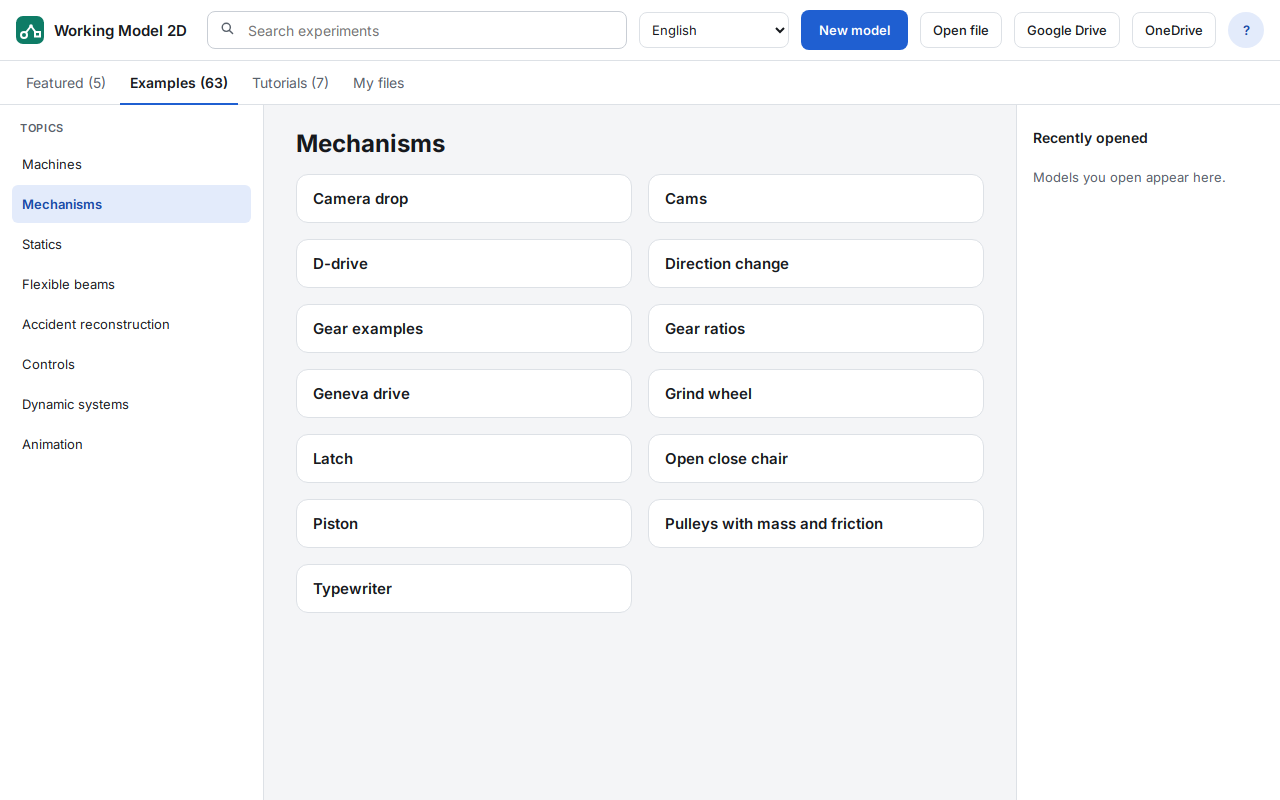
A library of examples
More than 60 example models in eight topics — machines, mechanisms, statics, flexible beams, accident reconstruction, controls, dynamic systems and animation — plus tutorials. The library is in English.
Your files, in your own cloud storage
Open and save models on the device, in Google Drive™ or in Microsoft OneDrive. In Drive, open a model directly with “Open with > Working Model 2D”. Working Model 2D files (.wm2d) open in the browser and on the desktop, both ways. DST never stores your models.
Details: Privacy Policy.
And more
Python scripting
Scripts use the desktop’s WMPython object model, and Python links drive a control from your own function each step. NumPy, SciPy and SymPy are included, and it all runs in the browser.
Video export
Save a run as a video, MP4 or WebM depending on the browser, at 30 frames per second, for a report or presentation.
Units
Choose units and unit systems for every measurement.
Pictures and printing
Export a picture of the model, or print it.
8 languages
The interface is in English, French, German, Italian, Japanese, Dutch, Portuguese (Brazil) and Spanish.
Coming later
Links to Excel and MATLAB are coming. Models that use WM Basic or VBScript scripts open, but those scripts do not run in the browser yet; a converter for WM Basic scripts is planned. Meanwhile, use Python scripting.
Try Working Model 2D Web on your own designs
Free evaluations are available for professional engineers, instructors and departments.
Google Drive and Chromebook are trademarks of Google LLC. Microsoft and OneDrive are trademarks of the Microsoft group of companies.
- Overview
- Features
- Requirements
- Licensing & Pricing
- FAQ
- Request an Evaluation
- Help
- Working Model 2D (desktop)
 Quote
 Evaluation


