
Dynamic Designer Motion

CAD Embedded Motion Simulation
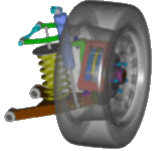
nifty image
 

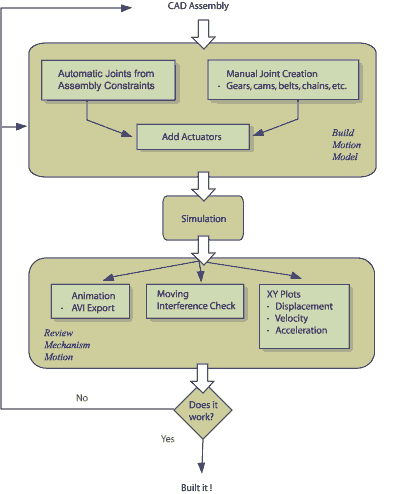
Step-by-Step: Using Dynamic Designer Motion

Using Dynamic Designer Motion is easy. In general, to see your model in motion, you have to execute the following steps.


Company News

DST Announces Working Model 2D Version 10. Read the press release »

Students Can Now Describe a Mechanism in Plain English and Watch the Simulation Build Itself. Read the press release »

DST Introduces SimWise Subscription Plans. Read the press release »

DST Announces SimWise V10.1. Read the press release »

DST Announces SimWise V10.0. Read the press release »

Design Simulation Technologies 43311 Joy Road, #237 Canton, MI 48187 USA

Toll Free: (800)-766-6615

Phone: +1-(734)-446-6935

Fax: +1-(734)-259-4207

info@design-simulation.com

Sales Inquiries - Direct Line

Phone: +1-(415)-775-1020