
Interactive Physics Web
Physics simulation in your browser. Nothing to install.
Features
Everything you need to teach physics with simulation, in the browser, on the devices your school already has.
Build a model, press Run
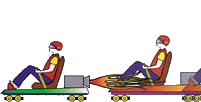
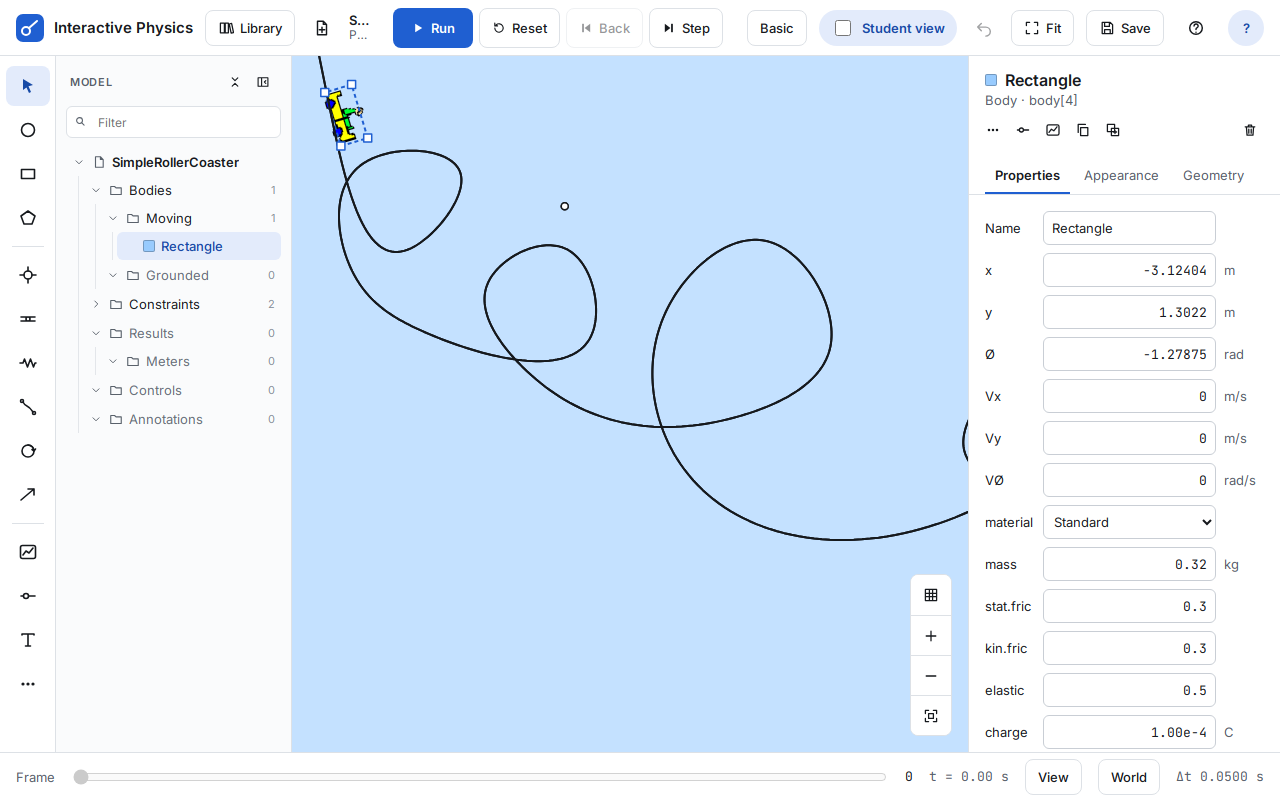
Draw bodies, springs, ropes, pins and motors on the screen, then press Run and watch the physics happen. Basic mode keeps the tools simple for younger students; Advanced mode adds the model tree and every property.
You are not limited to simulations someone else designed: if you can describe the experiment, you can build it, and so can your students.
- Circles, blocks and polygons, with mass, friction and elasticity
- Springs, ropes, pins, slots and motors
- Gravity, air resistance and collisions
Measure and graph as it runs
Meters show position, velocity, acceleration, forces and energy as numbers, bars and live graphs. Change a value and run again to see what changes, and why. Export the data as CSV for a spreadsheet or lab report.
Projectile motion – a live model: use the controls and sliders.
A library of ready-made lessons
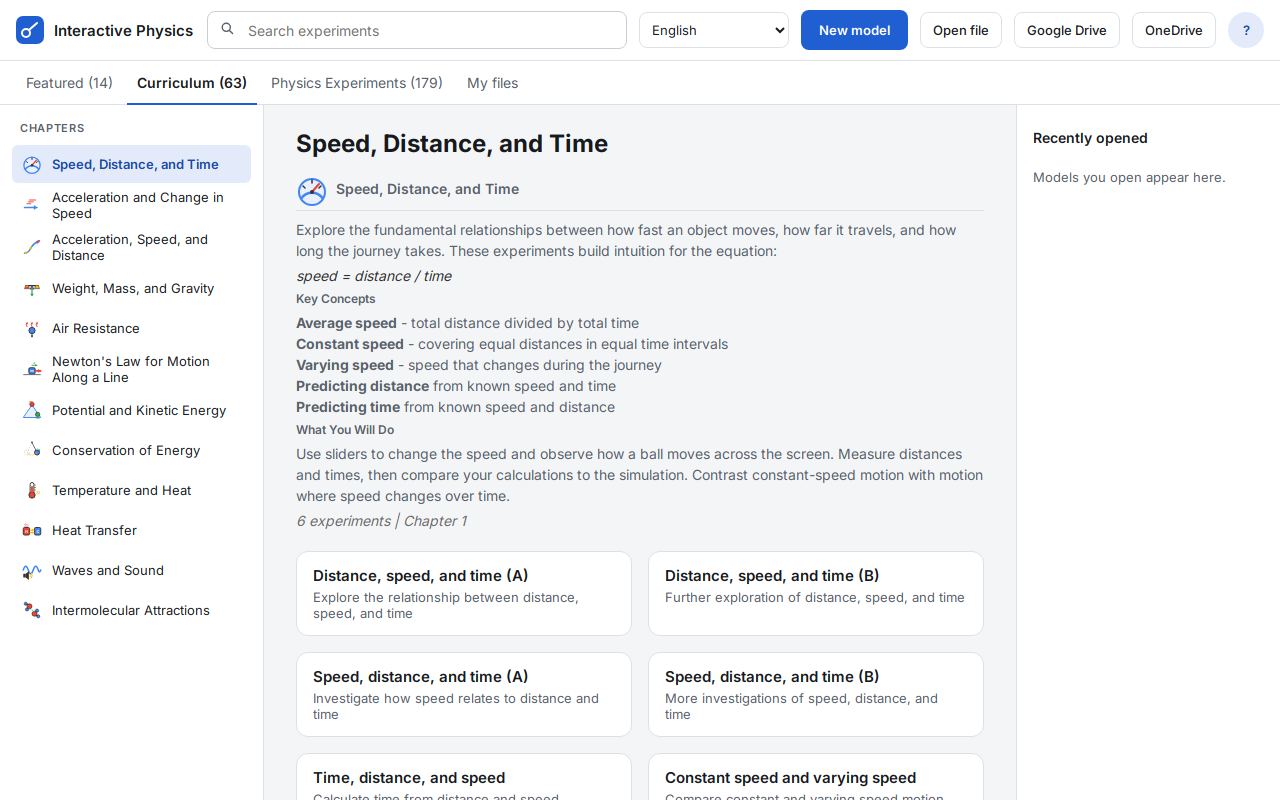
Start teaching on day one. The library has Featured models, the Interactive Physics Curriculum of ready-made models and lessons, and over 170 Physics Experiments, from Newton’s laws to collisions, oscillations, projectiles and pulleys.
Student view
Student view keeps the screen simple: run, explore and measure. Teachers can lock a model in Student view, and unlock it again; students cannot.
Newton’s cradle – a live model: use the controls and sliders.
Your files, in your own cloud storage
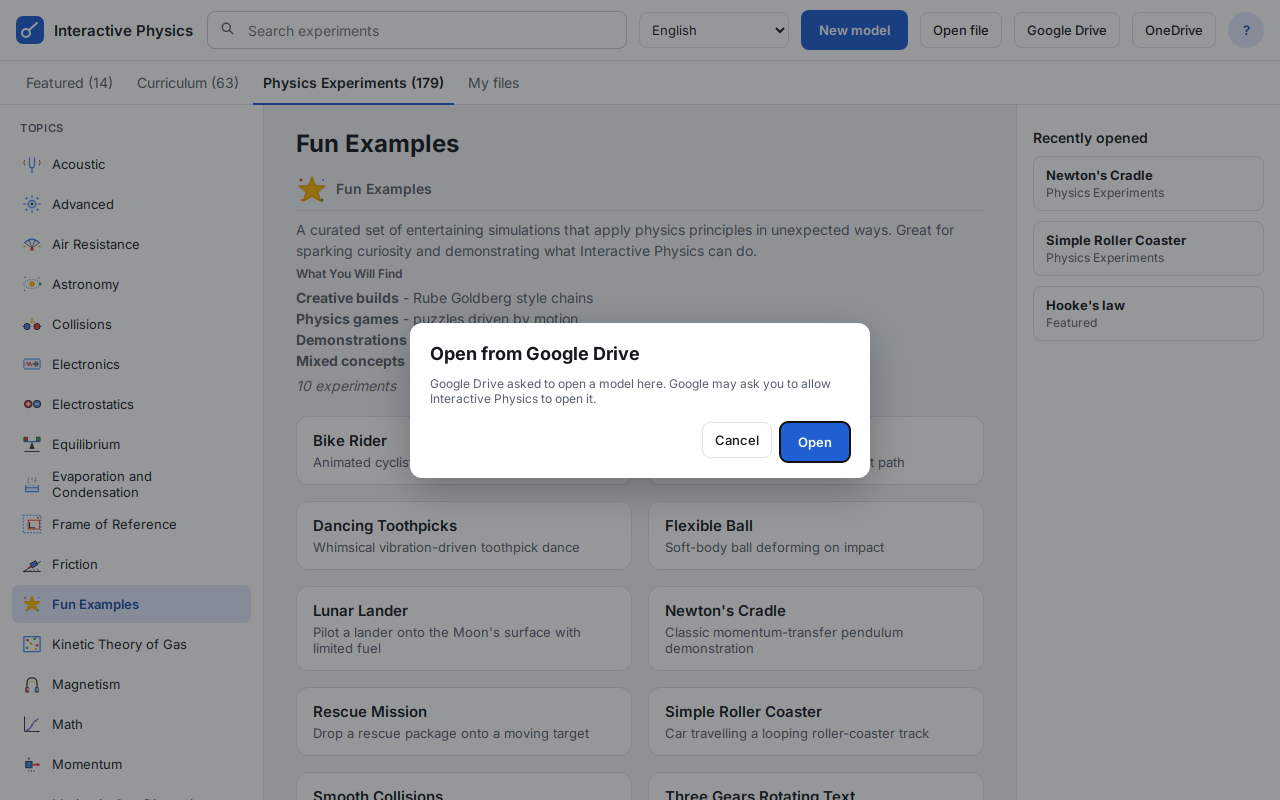
Open and save .ip models on the device, in Google Drive™ (including Drive’s “Open with”) or in Microsoft OneDrive. Models made with desktop Interactive Physics open in the browser, and the other way round. DST never stores your models.
Share models with your class through Google Classroom™.
Details: Privacy Policy.
And more
8 languages
English, French, German, Italian, Japanese, Dutch, Portuguese (Brazil) and Spanish.
Install as an app
Install it from the browser like an app, and keep working offline once it has loaded.
Same physics engine
The same engine as desktop Interactive Physics, so models behave the same way.
Try Interactive Physics Web with your class
Free evaluations are available for teachers and schools.
Google Drive, Google Classroom and Chromebook are trademarks of Google LLC. Microsoft and OneDrive are trademarks of the Microsoft group of companies.
- Overview
- Try It Now
- Features
- Requirements
- Licensing & Pricing
- FAQ
- Request an Evaluation
- Launch Interactive Physics
- User Manual
- Tutorial
- Interactive Physics (desktop)
 Quote
 Evaluation


