
Interactive Physics
Physics Simulation Software for the Classroom
Mechanics
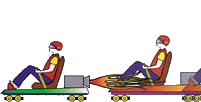
Draw a mechanism on the screen, press Run, and watch real physics happen: forces, motion, collisions and energy.
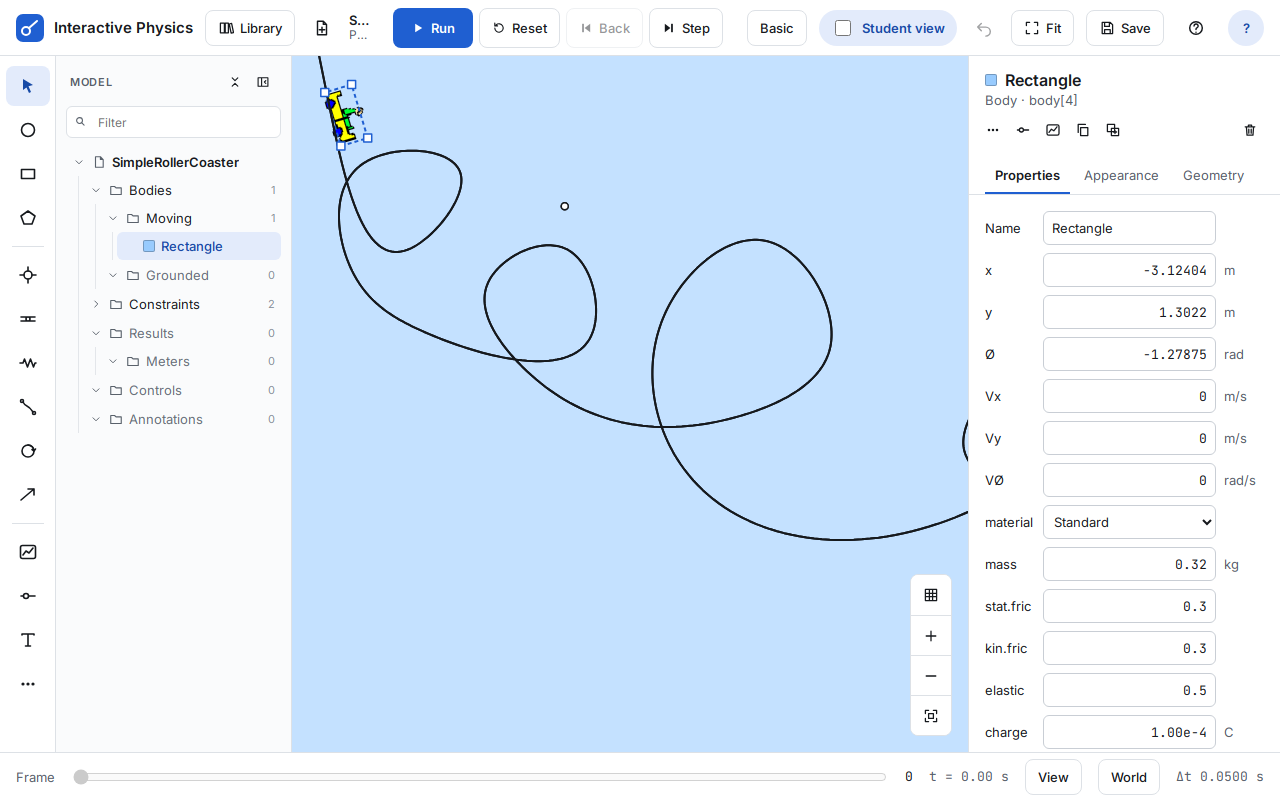
Mechanics is the heart of Interactive Physics. Build bodies and connect them with ropes, springs, pulleys, pins and motors, then measure anything you like as the model runs. If you can describe the experiment, you can build it, and so can your students.
Bodies and connections
Bodies
Circles, blocks and polygons, with mass, friction and elasticity. Attach a picture to a body for a presentation.
Connections
Ropes, springs, dampers, pulleys, pins and slots join bodies to each other and to the background.
Motors and actuators
Rotational motors and linear actuators drive your mechanism.
The world around the model
Gravity and air
Change gravity or turn on air resistance, and see how the motion changes.
Contact and collisions
Bodies collide, slide and roll, with the friction and elasticity of their materials.
Sound
Hear and measure sound volume, sound frequency and Doppler effects.
Measure and graph as it runs
Meters show position, velocity, acceleration, force, momentum and energy, in metric or English units, as numbers, graphs and animated vectors. Change a value, run again, and see what changes and why.
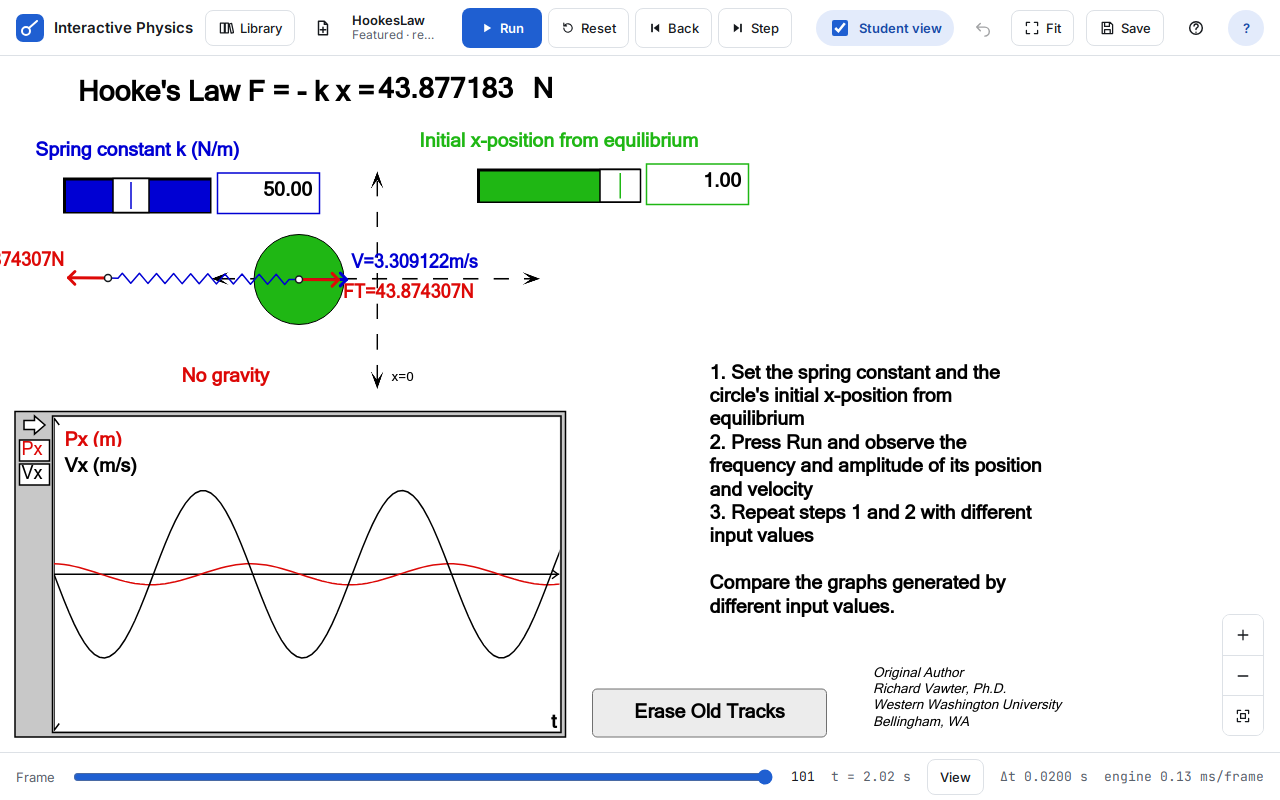
Vary nearly any physical parameter, such as gravity, force, speed or a spring constant, and measure its effect on nearly any quantity.
Ready-made mechanics experiments
The Physics Experiments library covers the mechanics topics of a physics course. Open one, run it, and change it.
Try Interactive Physics with your class
Free evaluations are available for teachers and schools.
- Home
- Capabilities
- Mechanics
- Circuits
- Magnetism
- Heat Flow
- Experiments
- Curriculum
- Purchase
- Questions before Purchase
- Find a Reseller
- Reviews
- Product Videos
- Support Videos
 Quote
 Evaluation


